

3281 E. Guasti Rd, STE 700, Ontario, CA 91761
1712 9th Ave SW, Watertown, SD 57201
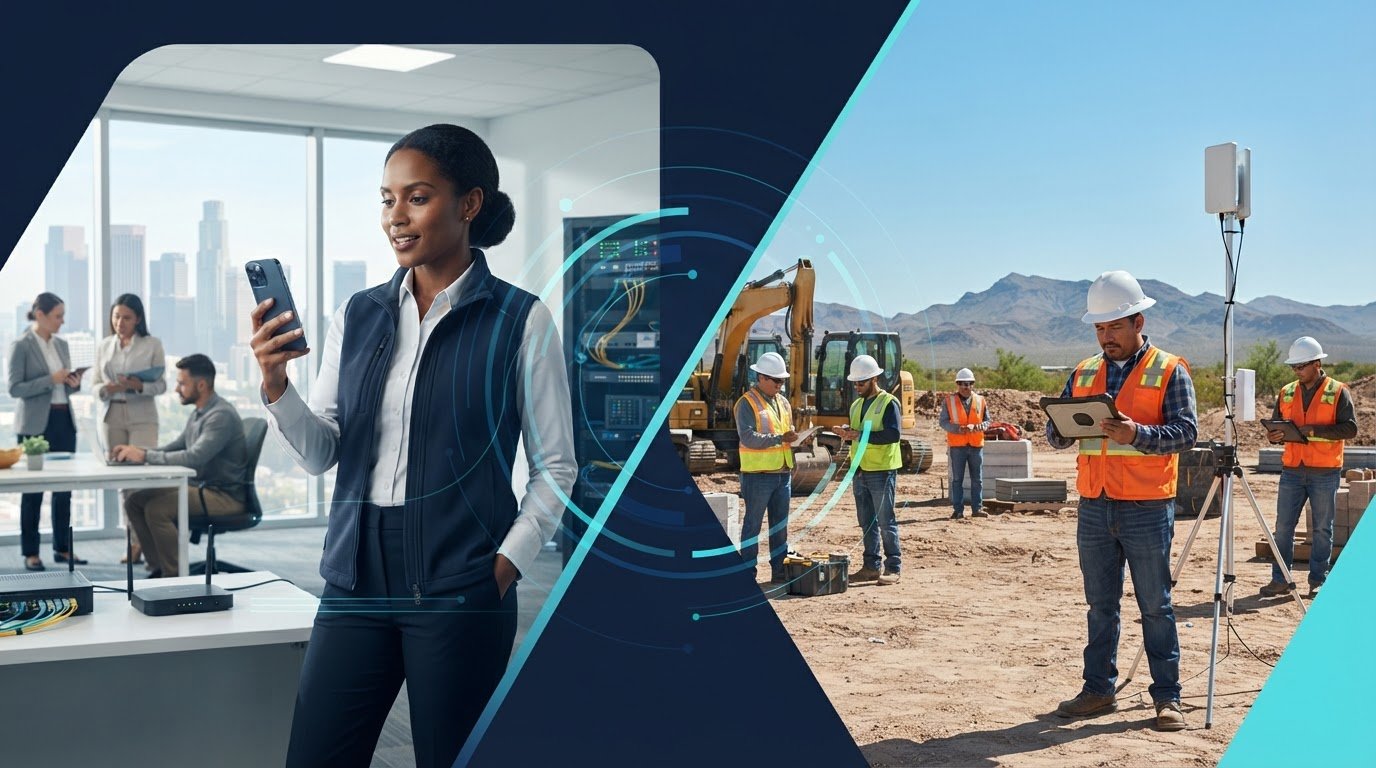
A project manager calls from the site, the office line rings, and the crew is already moving to the next task. When calls don’t reach the right person, a small coordination gap can slow the workday. Construction teams need to identify the business phone features we actually need, not sort through a long list of extras.
A business phone system should connect people wherever work takes them. The practical question is which capabilities support your project workflows. This article looks at mobile access, voicemail, call routing, and the network readiness cloud calling depends on. Specialized business telecommunications providers like Nexgen Australia demonstrate how modern office phone and VoIP systems keep distributed teams aligned. Use these criteria to match phone functions to daily work, help project managers, office staff, and field crews handle calls with fewer missed handoffs, and compare VoIP systems by fit rather than feature count.
• Prioritize the business phone features we actually need by mapping how calls move between the office, project managers, and field crews.
• Compare phone systems by call continuity, handoffs, user access, and day-to-day administration, not by the length of the feature list.
• Account for jobsite connectivity and office network readiness when planning mobile access and field communications.
• Connect phone planning with construction-focused IT. Contact Trinity Networx, LLC to discuss your team’s communication needs.
A client calls while the project manager is walking the site. The office can’t reach a crew lead, and a subcontractor’s delivery update sits in voicemail. Construction schedules shift quickly, so phone features should make handoffs clear, not add another task. Begin with the business phone features we actually need: call routing, mobile access, a consistent business identity, and a voicemail process with a clear owner.
A shared business number can give employees a consistent point of contact when they call from an office phone or mobile device. Mobile or softphone access can help project managers handle business calls away from their desks. Treat these as requirements to evaluate against your staff’s roles and connectivity, rather than assuming every system handles them the same way. For background on system types, see this overview of a business phone system.
Build call routes around responsibility. A client asking about a schedule change should reach the office or assigned project contact. A subcontractor calling with a delivery update needs a clear path to the project team. If nobody answers, define who checks voicemail, who returns the call, and how urgent information reaches the right person. Without that ownership, adding more phone features won’t prevent a missed update.
Prioritize these everyday needs:
Direct calls to the office contact or project team responsible for the issue.
Give staff a way to handle business calls away from their desks while maintaining a consistent business contact.
Assign responsibility for client and subcontractor messages, including how urgent calls are escalated.
Advanced analytics or software integrations may support specific workflows, but first establish dependable call handling. Trinity Networx, LLC connects business VoIP planning with construction IT needs, including general business IT services. Contact the team to discuss phone coordination for your construction operation.
A feature earns its place when it addresses a real coordination problem. Compare systems against how calls move through your construction operation, not the length of a feature list. A project manager’s daily communication mix may include calls, email, and in-person conversations, as outlined in this guide to communication in construction management.
Use a practical review sequence. First, map the call paths for common situations: who handles a client inquiry, a project update, or a subcontractor’s schedule change? Next, identify who needs phone access away from a desk, such as supervisors moving between the office and jobsite. Rank the functions that prevent missed handoffs. Finally, review what mobile or cloud calling depends on, including office connectivity and field access.
Compare each system against five practical tests:
Can staff keep business calls moving when responsibilities or locations change?
Can a caller reach the person responsible without having to explain the issue again?
Do office and field staff have an appropriate way to make and receive calls?
Can your team update users and call paths when project roles change?
Does the setup suit existing communication habits and the network conditions at your work locations?
Call recording and business texting may matter for particular workflows, but treat them as evaluation points, not automatic requirements. The construction IT behind a phone system matters too: field access depends on the wider technology setup. Trinity Networx, LLC’s VoIP for small business buying guide offers another perspective on evaluating phone systems. For help matching the business phone features we actually need to construction workflows, talk with the Trinity Networx, LLC team.
A phone system can have the right functions and still frustrate a crew if the network cannot support calls where the work happens. Plan for the office network, field access, and how employees move between locations. A project manager at the trailer, an office coordinator, and a crew lead on site may need different access, but each needs clear responsibility for incoming calls.
Start by reviewing network readiness at the office and the locations where staff need to communicate. Then map user roles: who answers client calls, who handles project updates, and who takes over when the first contact is unavailable? Define how calls pass between those roles. Clear ownership matters as much as the phone setup.
Next, look at how communication needs change over a project. Field access may shift as work moves between sites, while office staff may handle calls across several projects. Mapping these details helps identify the business phone features we actually need and the network conditions they depend on. It also helps avoid paying attention to functions that don’t serve a crew’s work.
Trinity Networx, LLC connects construction technology planning with office-to-field connectivity and business VoIP, including Hosted Voice over IP. Its construction technology services support a coordinated IT plan, so phone requirements are considered alongside the project’s users, locations, and communication handoffs.
Bring your call workflows and connectivity needs into the planning conversation. Discuss your construction phone needs with Trinity Networx, LLC and connect business VoIP planning to construction-focused IT expertise.

Start with real construction workflows: who needs to reach the office, which field staff need mobile access, and how calls move between project roles. Prioritize the business phone features we actually need, then assess whether the office network and jobsite connectivity can support them. A longer feature list won’t fix unclear call ownership or a weak handoff.
Trinity Networx, LLC brings construction-focused IT planning and office-to-field connectivity together with business VoIP, including Hosted Voice over IP. Phone planning can account for the broader technology environment your teams depend on, not just the devices on their desks.
Ready to connect your phone requirements with your construction workflows? Talk with Trinity Networx, LLC about construction phone needs. A clear plan helps your office and field teams manage communication as project demands shift.
It can be essential if project managers or field staff need to handle business calls away from a desk. Consider who answers incoming calls, how employees transfer or return them, and whether network access is available at the locations where they work. A mobile app has little practical value if it doesn’t fit call responsibilities or the team’s connectivity.
Yes. Business VoIP can support communication between office and mobile users, depending on the service and network setup. Start by mapping the calls crews need to make, who should receive them, and how staff pass a conversation to another role. A clear call path helps keep project updates moving between the office and field.
Start with calls that affect active work: client inquiries, subcontractor coordination, and communication between office staff and field teams. Then assess routing, mobile access, voicemail handling, and administration against those workflows. The business phone features we actually need are the ones that resolve specific communication gaps. Treat extra functions as optional until a project need justifies them.
Yes. Phone functions rely on network readiness, devices, user setup, and ongoing administration. Trinity Networx, LLC provides construction IT planning, office-to-field connectivity, and Hosted Voice over IP for business customers. For construction teams across California, Nevada, Arizona, and Utah, connect those requirements in one technology plan. Talk with Trinity Networx, LLC about your construction phone needs.

Article by
Lance Reichenberger, Ph.D.., J.D. (Candidate)
Dr. Lance Reichenberger is the founder of Trinity Networx, a Southern California technology firm specializing in managed IT services, cybersecurity, network infrastructure, and business technology strategy. With nearly four decades of experience in the IT industry, he works with businesses to improve operational efficiency, strengthen security, and align technology with long-term growth objectives.
Lance focuses on proactive IT management, enterprise wireless infrastructure, cybersecurity integration, and scalable technology solutions for growing organizations throughout Southern California.
The content published on this website is provided for general informational and educational purposes only. Articles may be created, edited, or enhanced with the assistance of artificial intelligence and automation tools under the direction and review of Trinity Networx. While every effort is made to ensure accuracy and relevance, the information provided should not be considered professional, legal, financial, cybersecurity, or technical advice specific to your organization. Businesses should consult directly with a qualified professional regarding their unique environment, compliance requirements, and operational needs. Trinity Networx makes no warranties regarding completeness, reliability, or applicability of the information contained within these articles.
Schedule a brief conversation with Trinity Networx to discuss your business technology needs.
Get a practical roadmap built around your business, your users, your systems, and the technology issues that need attention first.
Put the right technology, support, security, and infrastructure in place so your business can grow, adapt, and move forward with confidence.

