

3281 E. Guasti Rd, STE 700, Ontario, CA 91761
1712 9th Ave SW, Watertown, SD 57201
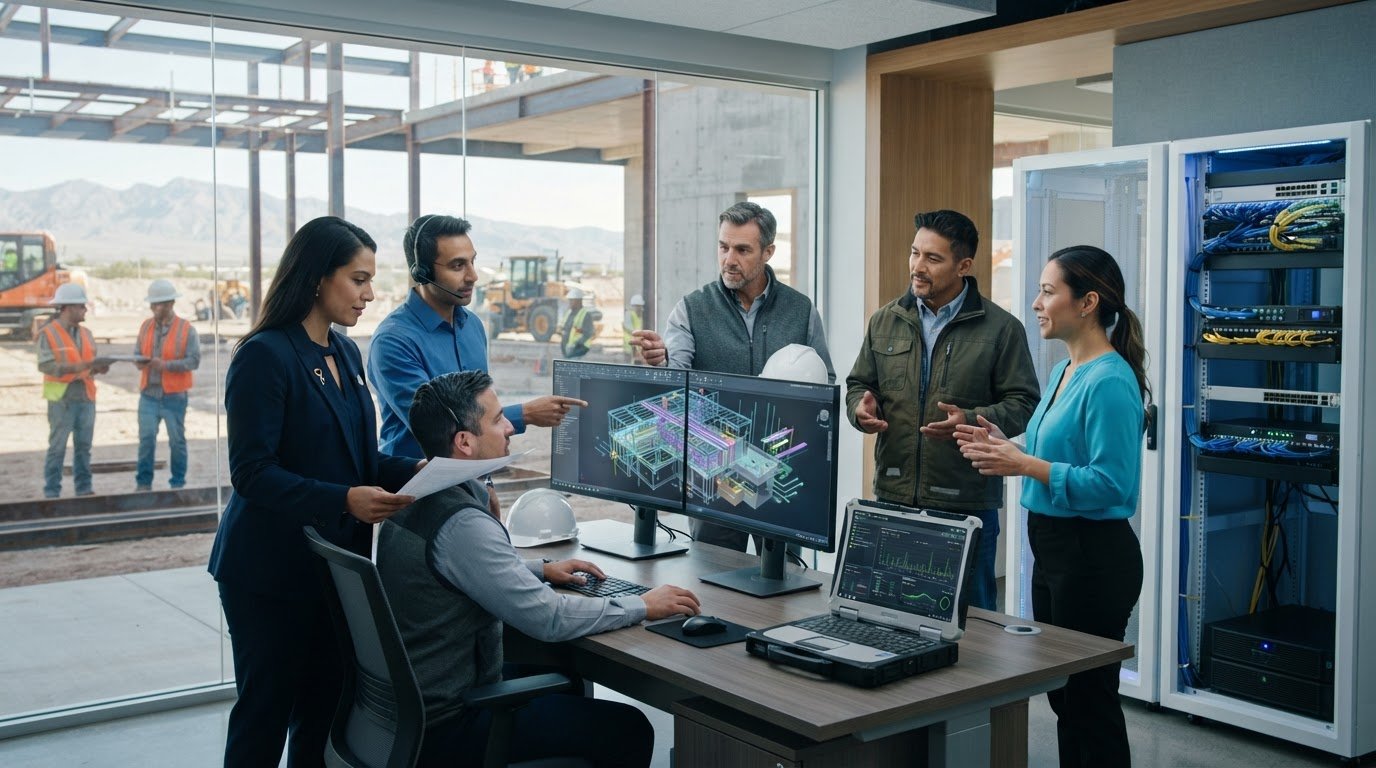
What keeps a SolidWorks project moving when the software itself isn’t the problem? IT support for SolidWorks and CAD software starts with the systems around the application: workstations, network access, shared project data, and recovery plans. If one of these fails, designers may lose access to files, and office and field teams may be left without current project information.
A CAD interruption can affect more than one desk. A delayed revision may hold up coordination or leave a field team waiting for information. The first step is to identify whether the problem involves a workstation, network connection, file access, or the application itself. This article explains how to narrow down the cause, what details to record, and how construction-focused IT support can help teams keep project information accessible across the office and jobsite.
• Record the affected users, devices, symptoms, files, and timing to help pinpoint where a CAD interruption begins.
• IT support for SolidWorks and CAD software covers the devices, network, storage, and access that support design work.
• Separate infrastructure symptoms from application problems so IT teams and software vendors can address the right part of an interruption.
• Construction-focused IT planning, help desk support, monitoring, and backup help keep office and field teams connected to project information.
A delayed design revision can hold up coordination. If a superintendent or field crew can’t reach the current drawing, they may be working from outdated information while the office waits for feedback. The problem may begin at one workstation, but the effects can spread to other people who need the same project information.
SolidWorks is a 3D CAD and CAE application, as summarized on the SolidWorks Wikipedia page. Day-to-day use also depends on the surrounding IT environment: workstation devices, network connections, storage, and user access. A slow file opening or failed connection doesn’t identify the cause by itself. The pattern of who is affected, where they are working, and which files they can access helps narrow the investigation.
An application fault is inside the software; an IT environment fault affects the devices, network, storage, or access the software relies on. This distinction helps route an issue to the right support channel without assuming the cause too early.
Look for slow access, dropped connections, or project files that aren’t available when a designer or field lead needs them. Check whether the issue affects one user, several people in the office, or only someone connecting from a jobsite. Note what was happening and which files or systems were involved. These details give IT support a more useful starting point than a general report that “CAD is slow.”
When office-to-field connectivity falters, crews may not be able to retrieve current design information in time for a site decision. Construction-focused IT support can investigate the network, device, and access issues behind that interruption. If the evidence points to an application-specific fault, the software vendor can address that part while IT investigates the surrounding systems and coordinates with the vendor as needed.
Trinity Networx provides IT services for commercial construction teams. Learn about construction-focused IT support.
A useful diagnosis starts with a clear record, not a guess about what failed. Note whether the interruption is blocking a design revision, affecting access to project information from a jobsite, or slowing work at one desk. Compare those details before treating every CAD problem as an application fault.
Record what happened, including any error message, slow response, failed connection, or unavailable file.
Note the user, workstation, project or file, and whether coworkers can access the same resource.
Include when the issue began and whether it followed a change, such as a device update, access adjustment, or move between the office and jobsite.
Check whether the problem stays with one workstation, affects several users, or appears only when someone connects from the field.
Keep the report specific. Capture the exact error text, the affected project, recent changes, and whether another team member sees the same behavior. Include where the affected user is working and whether other business applications or shared files are also unavailable. Avoid repeatedly changing settings or moving project files before the issue is understood. Those actions can obscure what happened first.
IT can investigate the environment around the software, including device, access, and connectivity symptoms. If the evidence points to an application-specific fault, IT can coordinate with the line-of-business application vendor and share relevant findings. This keeps infrastructure troubleshooting distinct from vendor-led software fixes and gives the vendor a clearer account than “CAD is down.”
Trinity Networx supports construction businesses with technology issues affecting project work. See how construction IT support can help.
CAD work depends on more than the design application. Construction-focused IT planning considers how office devices, network access, project data, and jobsite connectivity support the way teams work. Trinity Networx provides IT services for commercial construction, including support for the technology that connects project teams across office and field locations.
Consider the handoffs involved: a designer shares a revision, a project manager reviews the current information, and field staff access it from a jobsite. If a connection or access issue disrupts that process, IT can investigate the supporting environment. When the fault is specific to the application, the software vendor handles the application issue, with IT able to coordinate and share infrastructure findings.
IT support for SolidWorks and CAD software gives construction teams a clear path for problems around the application. A help desk can assess device, access, and connectivity symptoms. Remote network monitoring can help identify infrastructure concerns, while data backup and recovery support the restoration of business data if it is lost or unavailable. These services support the IT environment around CAD work.
Trinity Networx can also coordinate with line-of-business application vendors, sharing relevant infrastructure findings and helping clarify which team should take the next step. Construction-focused IT planning accounts for how project teams exchange information across locations, so technology decisions reflect the work happening in the office and the field.
For help with construction technology and project connectivity, contact the Trinity Networx team.

As project teams take on new sites, partners, and delivery requirements, plan for CAD access before an interruption occurs. Map who needs design information, where they work, how they access project files, and how they will report a technology issue. Review whether current devices, network access, data protection, and support processes fit the work ahead. IT support for SolidWorks and CAD software is most useful when it reflects real project demands, not just the application.
Trinity Networx works with commercial construction firms to align technology with project operations. Bring upcoming project needs and current points of friction into the conversation. Discuss construction IT support with our team and plan for the technology your next project phase depends on.
Yes. IT support for SolidWorks and CAD software can cover the business technology around the application while the software vendor handles application-specific faults. For example, IT can investigate whether a workstation, network connection, or user access is involved, then coordinate with the vendor if the symptoms point to the software itself. The teams can address different parts of the same interruption.
Stop repeated attempts to change settings, and tell the project lead which task or deadline is affected. Preserve visible error details and avoid moving or overwriting project files while the issue is being assessed. If a revision is time-sensitive, use the team’s established project communication process to alert others that access or design work may be delayed.
IT support can assess the connectivity and account access field staff rely on to reach project information. Planning for jobsite conditions and how teams exchange revisions helps identify access needs before work shifts between locations. Trinity Networx supports commercial construction firms across California, Nevada, Arizona, and Utah. Contact the team about construction IT support.

Article by
Lance Reichenberger, Ph.D.., J.D. (Candidate)
Dr. Lance Reichenberger is the founder of Trinity Networx, a Southern California technology firm specializing in managed IT services, cybersecurity, network infrastructure, and business technology strategy. With nearly four decades of experience in the IT industry, he works with businesses to improve operational efficiency, strengthen security, and align technology with long-term growth objectives.
Lance focuses on proactive IT management, enterprise wireless infrastructure, cybersecurity integration, and scalable technology solutions for growing organizations throughout Southern California.
The content published on this website is provided for general informational and educational purposes only. Articles may be created, edited, or enhanced with the assistance of artificial intelligence and automation tools under the direction and review of Trinity Networx. While every effort is made to ensure accuracy and relevance, the information provided should not be considered professional, legal, financial, cybersecurity, or technical advice specific to your organization. Businesses should consult directly with a qualified professional regarding their unique environment, compliance requirements, and operational needs. Trinity Networx makes no warranties regarding completeness, reliability, or applicability of the information contained within these articles.
Schedule a brief conversation with Trinity Networx to discuss your business technology needs.
Get a practical roadmap built around your business, your users, your systems, and the technology issues that need attention first.
Put the right technology, support, security, and infrastructure in place so your business can grow, adapt, and move forward with confidence.

