

3281 E. Guasti Rd, STE 700, Ontario, CA 91761
1712 9th Ave SW, Watertown, SD 57201
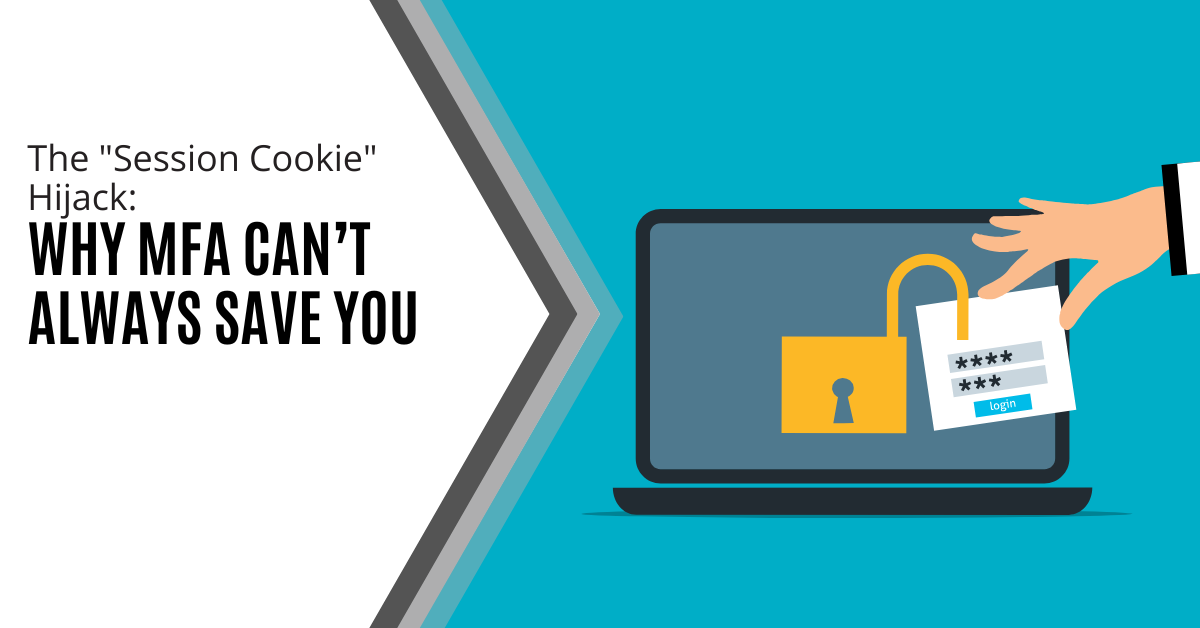
MFA is a strong front-door lock. But it’s not the only thing that decides whether someone can get in.
After you sign in, your browser keeps you logged in using a session token (often stored as a cookie). It’s the digital version of a wristband at an event: once you’ve been checked, the wristband proves you belong there. If an attacker steals that wristband, they may not need to beat your MFA prompt at all.
That’s the core of session cookie hijacking. The attacker isn’t “cracking” MFA. They’re skipping it by replaying your already authenticated session.
This isn’t a reason to stop using MFA. It’s a reason to stop treating MFA as the finish line.
When sessions can be stolen, the practical defence shifts to layered controls: phishing-resistant sign-ins, device hygiene, tighter session policies, and detection that catches suspicious access early.
MFA is still one of the best upgrades most businesses can make, but it doesn’t end an attack on its own. The reason is that attackers don’t always try to beat the login step. They try to go around it.
Cloudflare notes that “attackers are finding new ways to circumvent MFA” and that modern incidents are rarely one isolated technique. They’re “part of a chain of attacks.”
In other words, MFA can block a lot of credential theft, but it doesn’t automatically protect what happens after a user successfully signs in.
That’s where session cookie hijacking comes in.
Microsoft has described adversary-in-the-middle phishing campaigns where attackers use a reverse-proxy site to “steal and intercept” a user’s password and the session cookie that proves they have an authenticated session.
This is “not a vulnerability in MFA.” The attacker isn’t breaking the MFA. They’re reusing the session.
When you sign into a web app, the site needs a way to remember that you’ve already proved who you are. That’s what a session is: a temporary “logged-in” state that saves you from entering your password and MFA code on every click.
Kaspersky explains that session hijacking is “sometimes called cookie hijacking” because cookies are commonly used to store the session identifier that keeps you authenticated.
Attackers want that session identifier because it’s the shortcut.
Proofpoint describes session tokens as digital “keys” that let a user stay authenticated. It warns that stealing valid tokens lets attackers impersonate legitimate users and potentially bypass authentication measures “like MFA.”
That’s why session cookie hijacking is so highly leveraged.
If an attacker can steal the cookie or token that represents your active session, they’re not trying to defeat the login process. They’re attempting to reuse what you already completed, and access the same apps and data as if they were sitting at your keyboard.

A lot of teams picture “account takeover” as someone guessing a password or tricking a user into approving an MFA prompt.
Session cookie hijacking is different. The attacker’s goal is to steal the proof that you’re already logged in, then reuse it, often without triggering another sign-in challenge.
Adversary-in-the-middle (AiTM) phishing is the “proxy login” trap.
You think you’re signing into a normal service, but you’re actually signing into a lookalike page that sits between you and the real site. The attacker relays the login in real time, so everything appears to work, including MFA.
Attackers use AiTM phishing sites to “steal and intercept” a user’s password and the session cookie that proves the authenticated session. This is “not a vulnerability in MFA.” The attacker isn’t breaking the MFA. They’re capturing the session after MFA is completed and reusing it.
One such campaign “attempted to target more than 10,000 organisations” since September 2021, which shows how scalable this approach has become.
Browser-in-the-middle (BitM) is similar in spirit, but it’s even more “hands-on” from the attacker’s side.
Instead of stealing a password and running away, the attacker effectively places themselves in control of the browsing session.
Google’s threat intelligence says, “Stealing this session token is the equivalent of stealing the authenticated session.” Once the token is stolen, “an adversary would no longer need to perform the MFA challenge.”
In other words, the attacker isn’t trying to authenticate instead of you. They’re trying to ride along after you’ve authenticated.
Not every session hijack starts with a fancy proxy. Sometimes the attacker simply steals session data from the device itself.
Stealing valid session tokens allows attackers to impersonate legitimate users. Tokens act like digital “keys.” If an endpoint is compromised, those “keys” can be extracted and reused.
Invicti explains that an attacker steals HTTP cookies and can gain access. The goal is often to obtain sensitive information stored in cookies.
MFA is still essential. It blocks a huge amount of credential theft and makes basic account takeover harder. But session cookie hijacking is a reminder that attackers don’t always try to defeat the login step. Sometimes they reuse what happens after it.
The practical response is layered and realistic. Make phishing harder to pull off, and treat device health as part of identity. Tighten session behaviour for high-risk apps. Watch for suspicious access patterns that suggest a session is being replayed.
When those controls work together, MFA stops being a comforting checkbox and becomes what it should be: a strong baseline that’s backed by protections around the session itself.
Contact us today for help protecting your login sessions from hijacking.
Schedule a brief conversation with Trinity Networx to discuss your business technology needs.
Get a practical roadmap built around your business, your users, your systems, and the technology issues that need attention first.
Put the right technology, support, security, and infrastructure in place so your business can grow, adapt, and move forward with confidence.

